How to stake HT at SYNBIT
Open the Synbit website www.synbit.io and click STAKE to enter the page

Click Connect Wallet on the page

Click Create a New Vault

Here is an example of HT, find the HT option and click Create

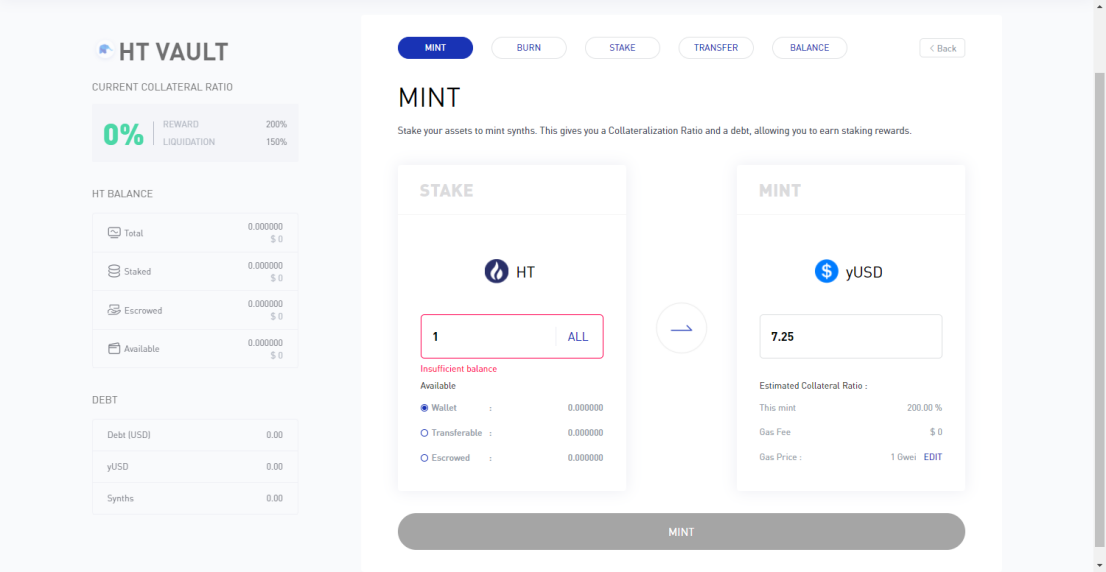
Fill in the number of HT you want to pledge in the MINT interface and click MINT
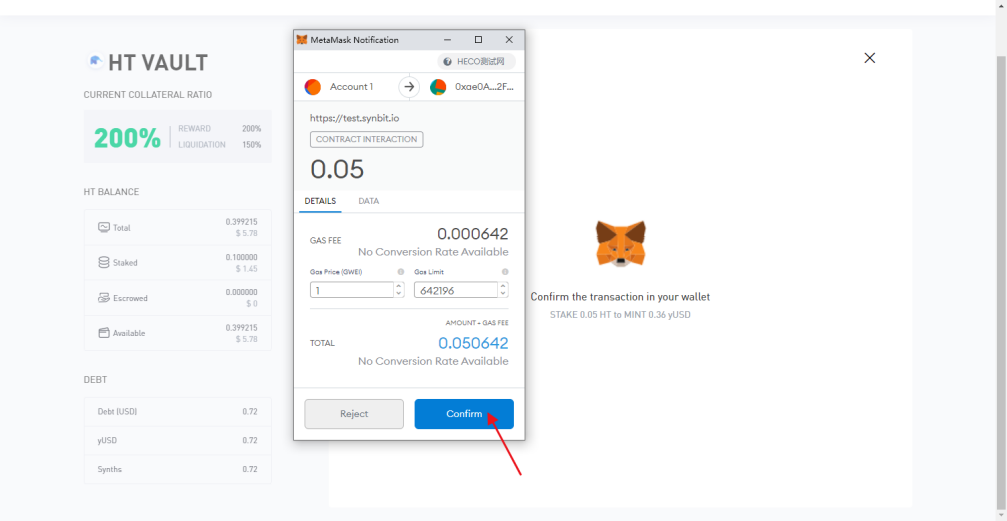
Click Confirm in the pop-up wallet page
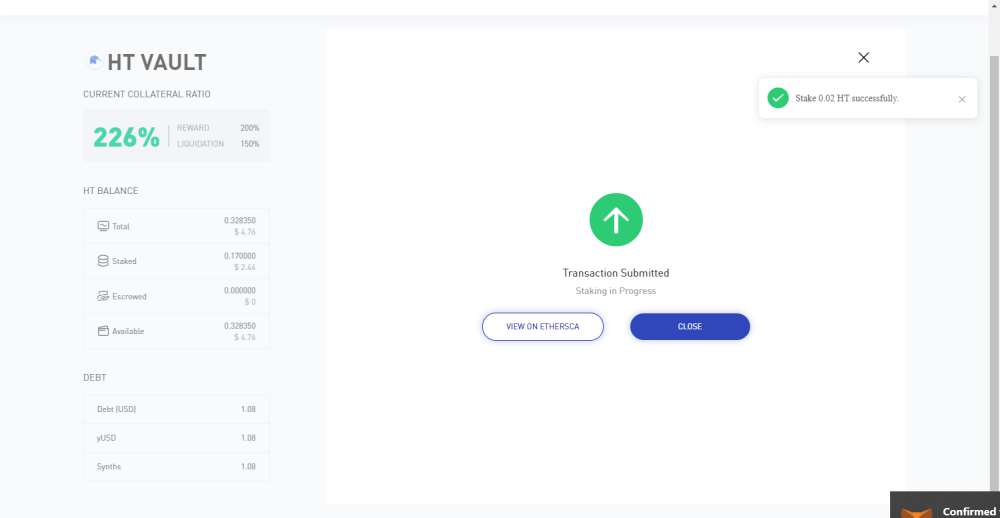
Return to the browser interface, prompting the successful transfer, click Close

8.Wait a little to see the success prompt in the upper right corner of the interface